API keys
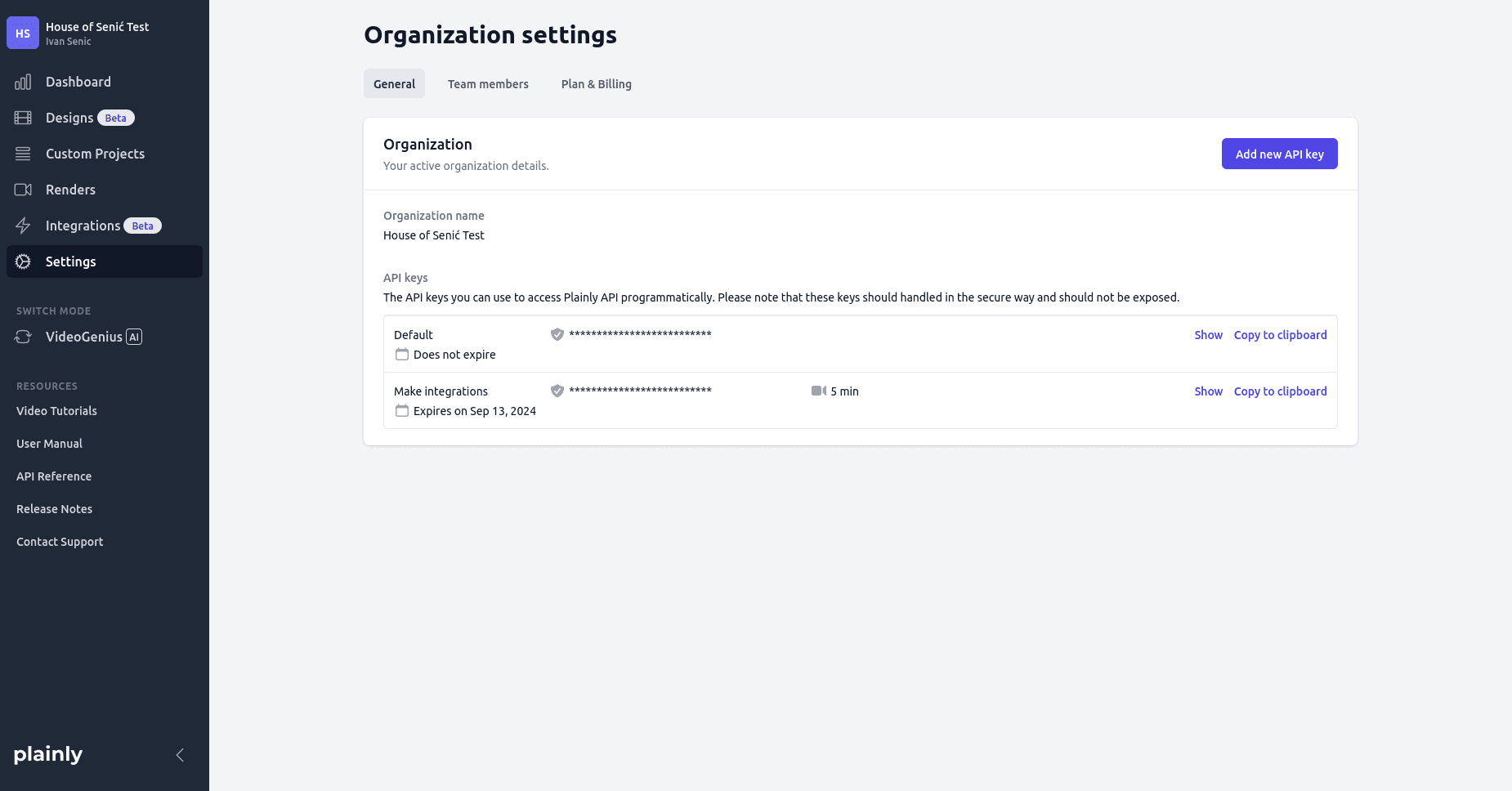
API keys authenticate your API requests . Each organization is assigned one API key by default when it’s created. You can view your existing keys in the Organization settings page.
If needed, you can generate additional API keys. When creating a new key, you can set a custom name for easy identification, define an expiration date, and optionally add usage limits for a single billing period-such as a cap on rendering minutes. Cap is defined per-billing cycle, which is usually monthly, but may be different for custom plans.
A key can also be created as a personal access token. Such a key belongs to a user rather than to the organization: everything created with it is attributed to that user, the same way it would be if they worked in the app. A personal access token is only visible to the user it belongs to, and nobody else in the organization can see, edit or delete it. It is removed automatically when the user leaves the organization or their account is deleted. Whether a key is a personal access token is decided when it is created and cannot be changed afterwards.
Each API key can be edited or deleted at any time. However, please note that deleting an API key will make it inactive and no longer usable.